- Home
- Time to add a product
How long does it take to add a product to GoTrack? We timed 45 sessions.
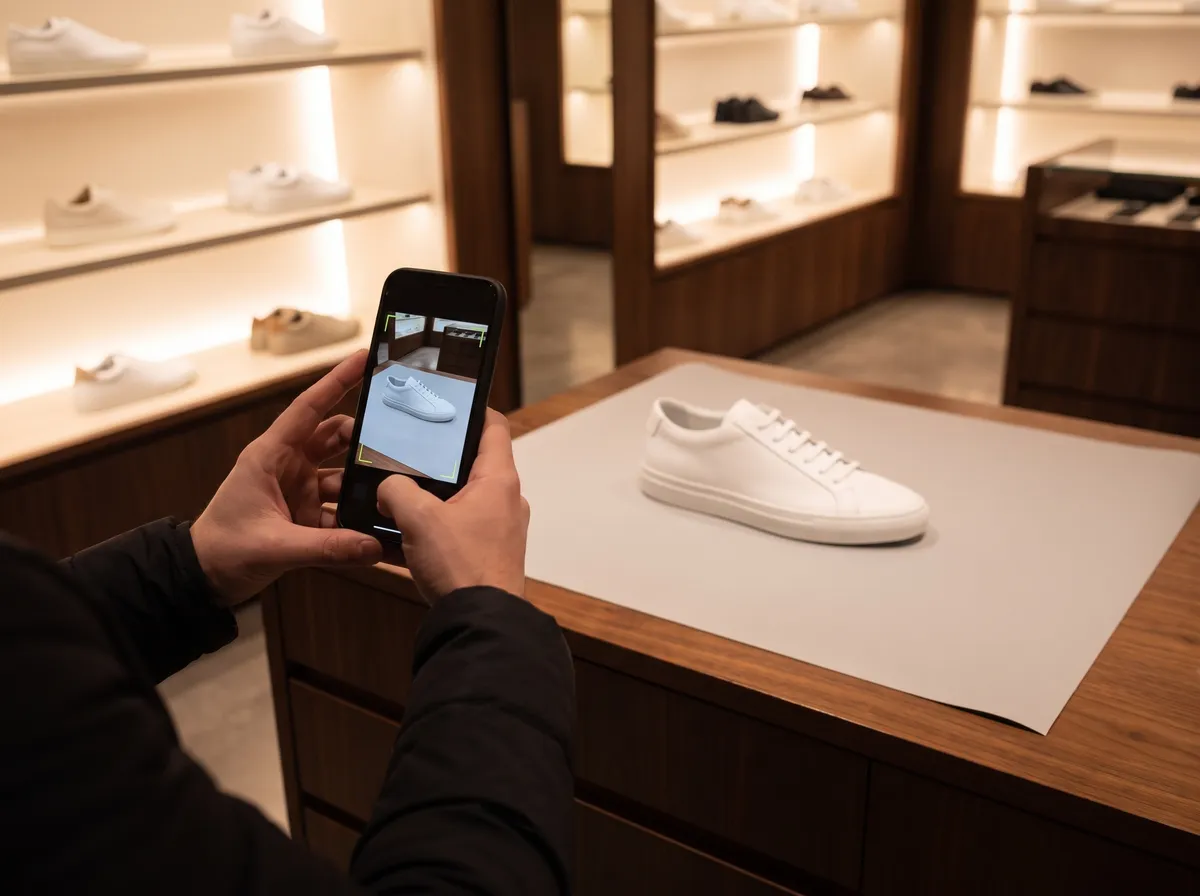
A system that needs a specialist for every new product does not survive a new season. In GoTrack a product is photographed with a phone in a guided step. We timed every session our team completed between June and October 2026.
The short answer
Adding one colour of a product took a median of 1 minute 33 seconds, with a median of 5 photos taken on a phone. 36 of the 45 sessions finished within three minutes. They covered 35 colours of shoes, t-shirts, dresses and sportswear.
1 June – 1 October 2026, GoTrack's test setup, 45 sessions for 35 product colours. Method below.
How long each session took
- 17under 1 min
- 101–2 min
- 92–3 min
- 23–5 min
- 45–10 min
- 3over 10 min
Session length · number of sessions
The spread
| Share of sessions | Finished within |
|---|---|
| The fastest quarter | 51 s |
| Half | 1 min 33 s |
| Three in four | 2 min 22 s |
| Nine in ten | 5 min 49 s |
Three sessions stayed open for more than ten minutes: a phone left on the capture screen counts until the session is finished, so they are included rather than tidied away.
How we measured
- One session is one colour of one product. Some products have several colours; each has its own session.
- What was timed: from the moment the phone opened the capture link to the moment the session was finished, from the panel's own records.
- Who took the photos: GoTrack's team, on its test products: shoes, t-shirts, dresses, sportswear.
- A newer guide since September asks for more angles of each product. Its 13 sessions took a median of 2 minutes 19 seconds, which is the figure to plan with today.
What this does not include
- Typing the product's name and colours, or importing them from a product page on your website.
- The time until the store device recognises the new product, which happens on its own after the photos are in.
- First-time users. Our team knows the guide; a new team will be slower on its first products.
Questions
Do we need a data-science team to add new products?
No. Adding a product is a guided step in the panel, and product details can be imported from a product page on your website.
What do we need to start with GoTrack?
Cameras and a store device to the specification we set for your project: cameras that see the products clearly (standard IP or USB, supplied by us or bought to the spec), a small device in the store that processes the images, and an internet connection for the panel and reports. Screens are optional. The panel is used from a web browser.
How soon can we see data for a new product?
From its first day on the shelf. Once the product is added in the panel, its pickups, hold time and put-backs appear in the reports as they are recorded, next to the rest of the range.
Bring a product, and time it yourself.
We will add one of your products with you during the demo.
or write to info@gotonom.com