Show the product in hand
The screen changes to the held product's content, and stays on it while the product is held.
When a shopper holds a product, the screen beside them shows that product — its story, its colours, its campaign — at the moment they are deciding.
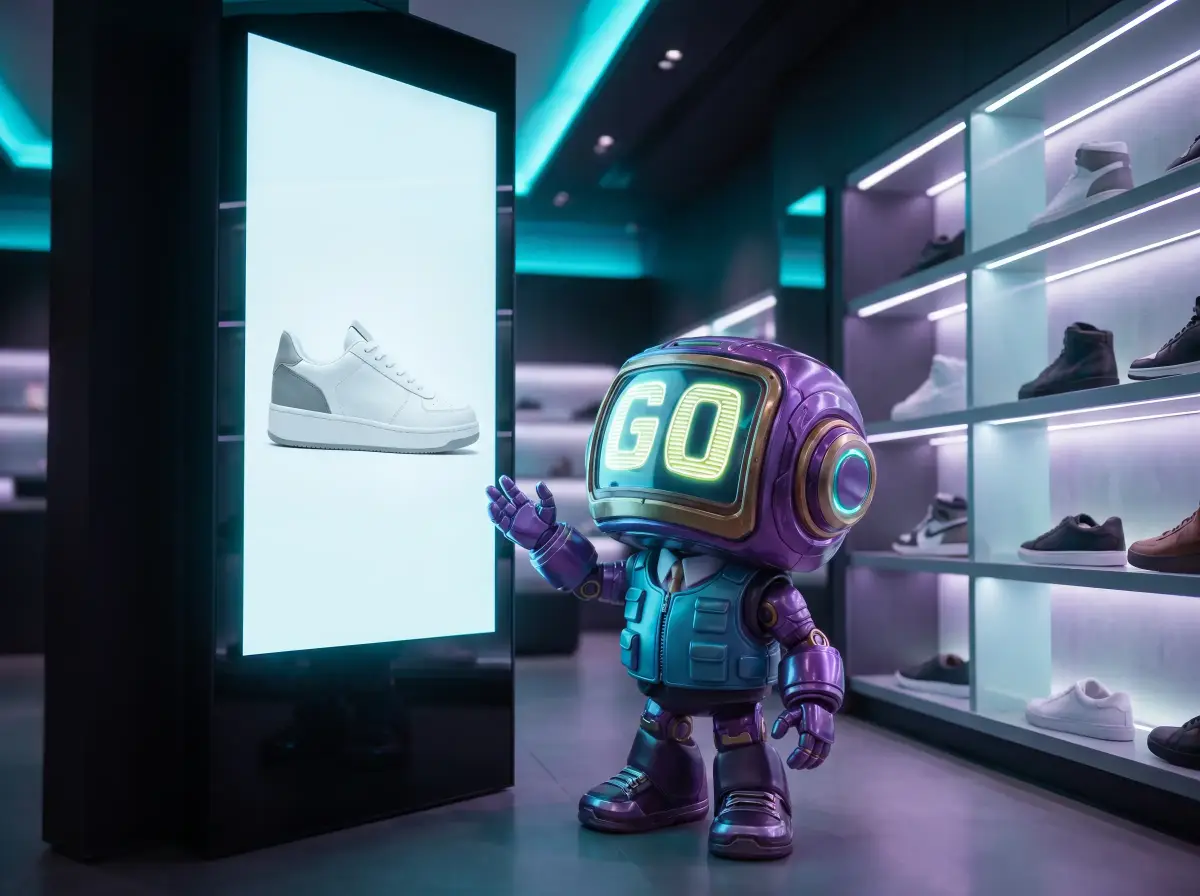
Ordinary digital signage plays a loop, whoever is watching. GoTrack's screens respond to the product itself: a camera sees which product is in a shopper's hand and the nearest screen shows that product's content. No touchscreen, no app, no QR code.
A shopper lifts a product and the screen beside the shelf switches to it while they decide. When it goes back on the shelf, the screen returns to its playlist, and the pickup, the hold time and the put-back are in your reports.
Measured on 30 September 2026 in GoTrack's test setup: 25 fires across 8 products; 24 reported their render back (one two-product fire did not). Timed on the store device's clock from the moment GoTrack decided which product was in hand until the screen reported the product content painted, including that report's trip back. The time from lifting a product to that decision is not included here; we will publish it once it is measured. How we measured it
The screen changes to the held product's content, and stays on it while the product is held.
Two products held together can trigger content made for the pair — a look, a set, an offer.
Give a product its own multi-part layout, for landscape and portrait screens.
When nobody is holding anything, each screen or zone plays its own playlist.
Send content to any store's screen straight from the panel.
Content is kept on the store device, so screens keep working without internet.
Screens in every branch are paired, grouped and managed from the same web panel: content, playlists, layouts, the brand's message line and live status. A screen that goes offline is flagged, and it keeps playing its stored content until it is back.
Screens run GoTrack's player in a standard web browser, so ordinary displays work — no proprietary signage hardware, and no touch needed. For camera-free signage networks, GOTONOM also offers GoVista.
Yes. Every store's screens are paired, grouped and managed from one web panel — content, playlists, layouts and live status — and a screen that goes offline is flagged.
Recognition, screens and event recording carry on in the store. Screens play their stored content, and events wait on the device and are sent with their real times when the connection returns.
When a shopper holds a product, the screen linked to that area shows that product's content, and keeps showing it while the product is held. When no one is holding anything, the screen plays its playlist. The screens do not need to be touchscreens.
See GoTrack screens react to products like yours.
or write to info@gotonom.com