- Home
- Lift and learn guide
What is lift and learn? Methods, trade-offs and what to measure
A plain guide for retail and brand teams: how lift-and-learn displays work, the four ways to detect that a product was picked up, and what each approach lets you measure.
Lift and learn in one paragraph
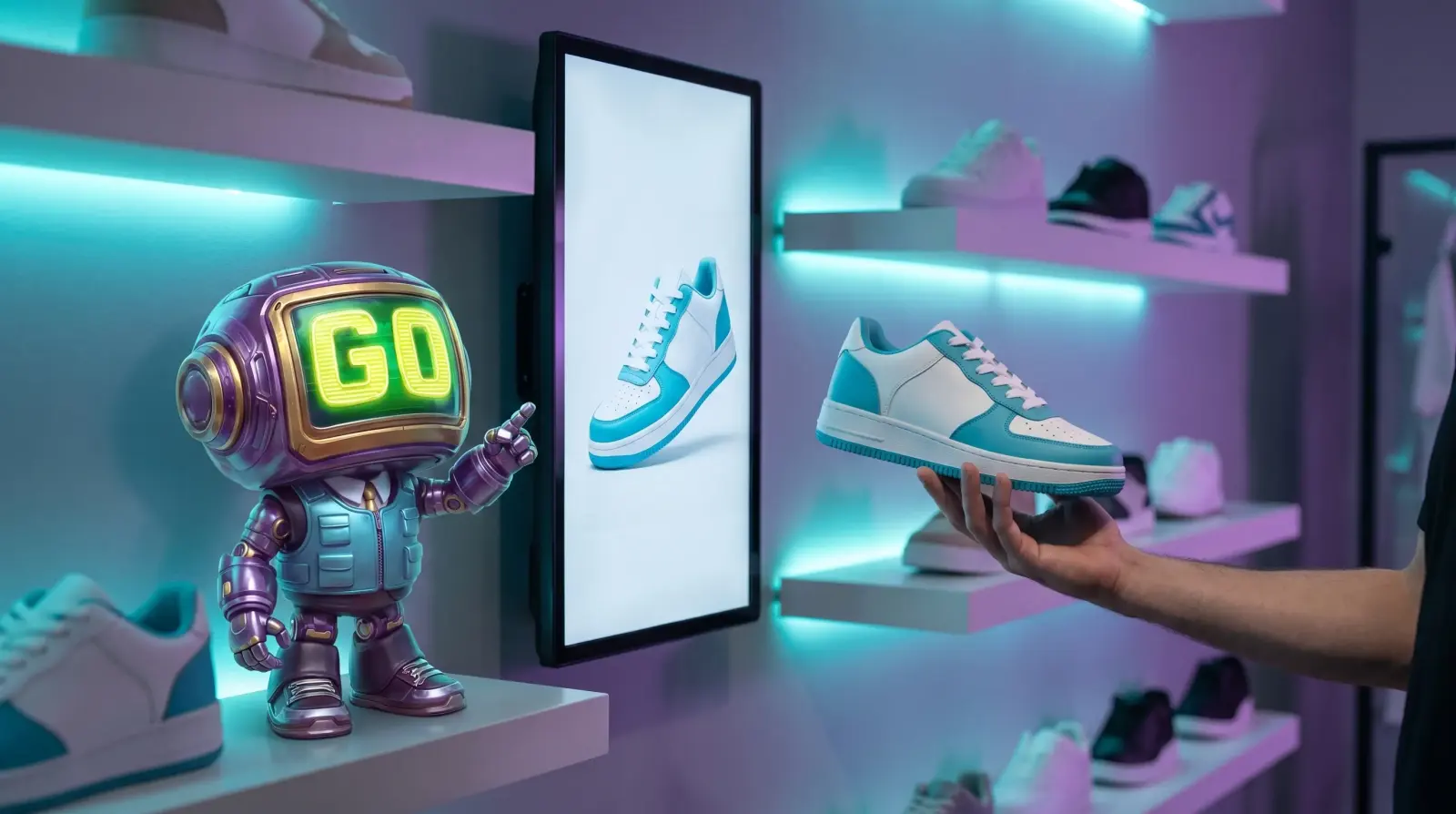
Lift and learn is an in-store display where picking up a product brings its content onto a nearby screen: images, video, other colours or details. It meets the shopper at the moment of interest, when the product is already in their hand. What separates the approaches is how the pickup is detected.
Four ways to detect a pickup
| Method | How it detects | On each product | When the range changes | What you can measure |
|---|---|---|---|---|
| Pads or sensors | A sensor notices the product leaving its spot | A pad or sensor at every position | Pads are re-fitted and re-mapped | Lifts per position |
| RFID or NFC tags | A reader detects a tagged product | A tag on every product | New products need tags | Lifts of tagged products |
| Touchscreen | The shopper taps the screen | Nothing | Content is updated | Taps on the screen, not on the product |
| Store cameras (GoTrack) | Cameras recognise the product in the shopper's hand | Nothing | Products are added in the panel | Pickups, hold time, put-backs and products compared, per colour |
How to choose
- Many products or frequent changes: camera-based detection avoids fitting and maintaining hardware on every product.
- Very small or hidden products: a camera must see the product; sensors or tags may suit items it cannot see.
- Near-identical products: GoTrack shows near-identical products as a pair instead of guessing between them.
- If you need analytics too: check what each method records beyond the lift. Hold time and put-backs need a system that sees the product in hand.
What to measure
- Pickups per product and colour.
- Hold time: how long the product stays in hand.
- Put-backs: products considered and returned.
- Content performance: which content goes with longer holds.
- Compared together: which products shoppers weigh against each other.
Questions
How do GoTrack screens decide what to show?
When a shopper holds a product, the screen linked to that area shows that product's content, and keeps showing it while the product is held. When no one is holding anything, the screen plays its playlist. The screens do not need to be touchscreens.
Do we need a data-science team to add new products?
No. Adding a product is a guided step in the panel, and product details can be imported from a product page on your website.
Do we need screens to use GoTrack?
No. GoTrack's product analytics works with cameras alone. Screens are optional: add them when you want the shelf to react to the product in hand.
Can GoTrack do lift and learn without sensors?
Yes. When a shopper picks up a product, the screen beside it shows that product's content. GoTrack uses the store's cameras, so there are no sensors, tags or pads on the products, and no touchscreen is needed.
See camera-based lift and learn.
We will show it on products like yours.
or write to info@gotonom.com