The story at the moment of interest
Images or video for the exact product and colour in hand, on the screen next to it.
A shopper picks up a product and the screen beside it tells that product's story, while they are still deciding. GoTrack does it with the store's cameras, so the products stay exactly as they are.
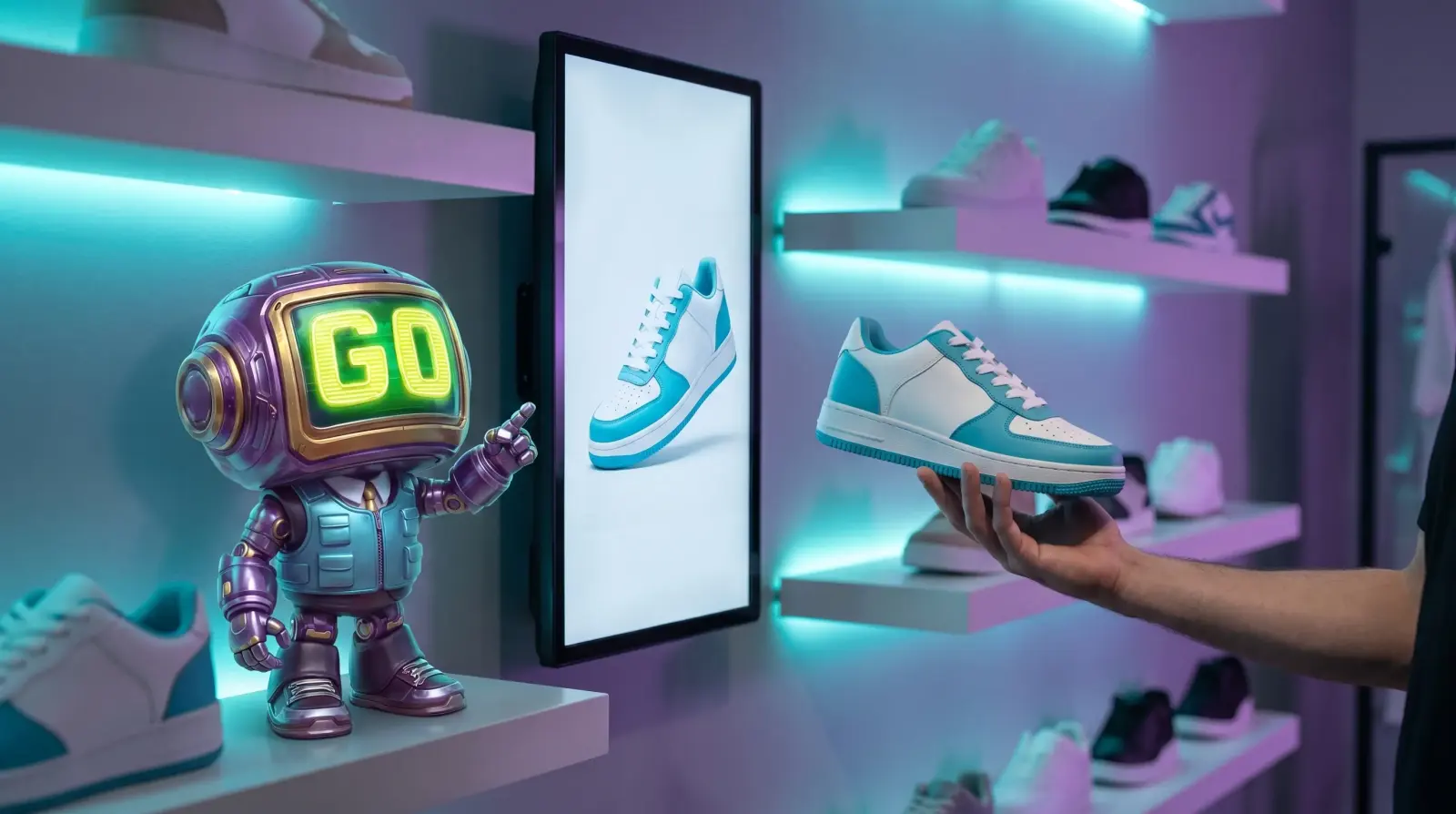
Lift and learn is an in-store display where picking up a product brings its content onto a nearby screen. Traditional setups put a sensor, tag or pad under every product; GoTrack uses the store's cameras instead, so there is nothing to attach, charge or re-fit when the assortment changes.
A shopper lifts a product and the screen beside the shelf switches to it while they decide. When it goes back on the shelf, the screen returns to its playlist, and the pickup, the hold time and the put-back are in your reports.
Measured on 30 September 2026 in GoTrack's test setup: 25 fires across 8 products; 24 reported their render back (one two-product fire did not). Timed on the store device's clock from the moment GoTrack decided which product was in hand until the screen reported the product content painted, including that report's trip back. The time from lifting a product to that decision is not included here; we will publish it once it is measured. How we measured it
Images or video for the exact product and colour in hand, on the screen next to it.
Pick up a second product and both share the screen, so shoppers can compare.
See which content goes with longer holds, per asset and per store.
Yes. Every store's screens are paired, grouped and managed from one web panel — content, playlists, layouts and live status — and a screen that goes offline is flagged.
Recognition, screens and event recording carry on in the store. Screens play their stored content, and events wait on the device and are sent with their real times when the connection returns.
When a shopper holds a product, the screen linked to that area shows that product's content, and keeps showing it while the product is held. When no one is holding anything, the screen plays its playlist. The screens do not need to be touchscreens.
Yes. When a shopper picks up a product, the screen beside it shows that product's content. GoTrack uses the store's cameras, so there are no sensors, tags or pads on the products, and no touchscreen is needed.
Tell us what you sell and we will show you lift and learn on products like yours.
or write to info@gotonom.com