- Home
- Use cases
One camera system, many ways to use it
Start with the analytics, add screens when you want the shelf to react, count visitors when you need to. Everything runs on the store's cameras and is processed in the store.
What can GoTrack be used for?
GoTrack turns store cameras into product analytics, and optionally into screens that react to the product in hand. Stores use it without any screens to measure shelves, with screens for lift and learn, in showrooms and at fairs to present products, to test screen content and, on request, to count visitors.
What each use case needs
| Use case | Screens | What you get |
|---|---|---|
| Shelf analytics | Not needed | Pickups, hold time, put-backs, never-touched and compared products |
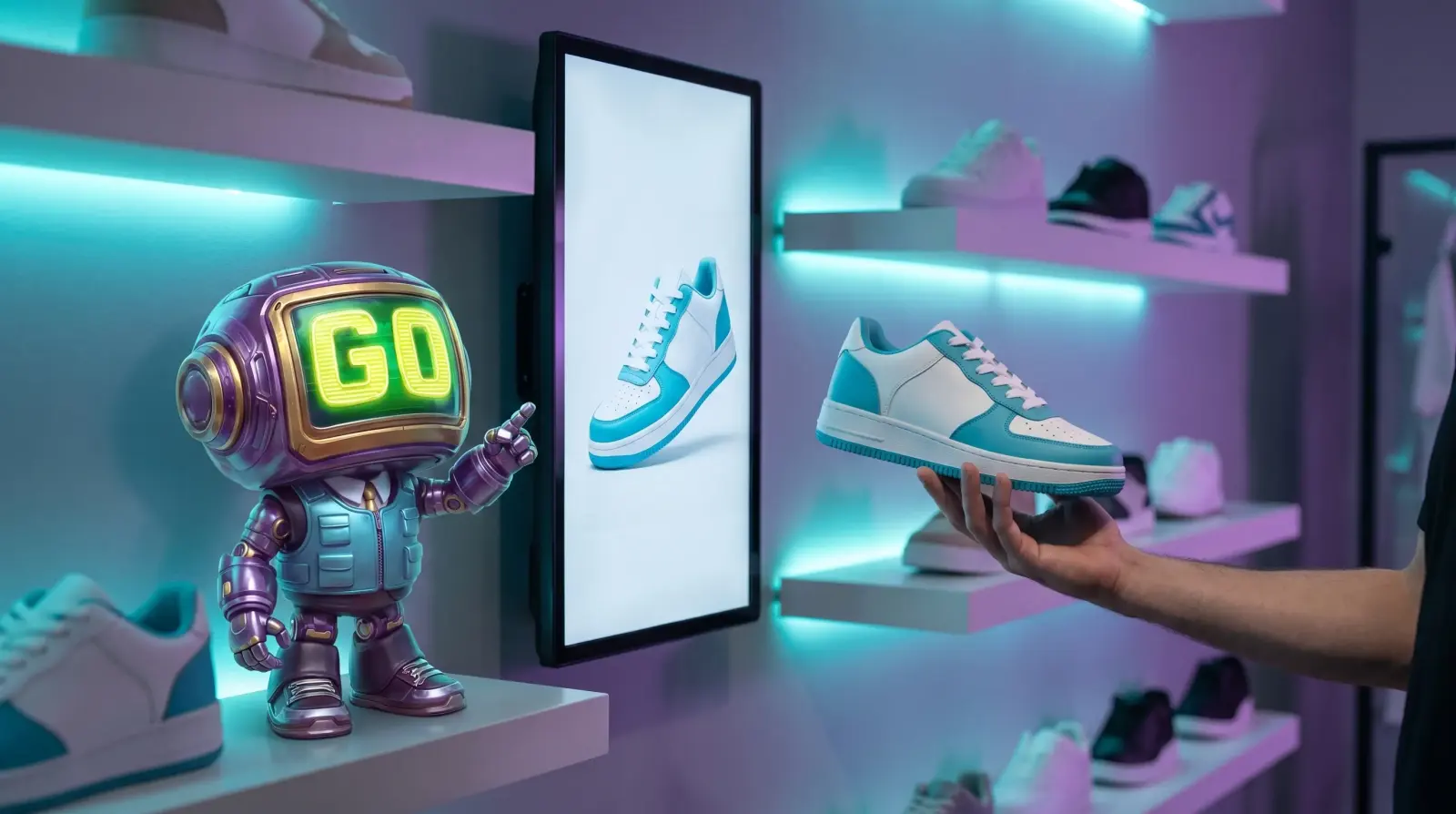
| Lift and learn | Yes | The product in hand on the screen beside it, plus content performance |
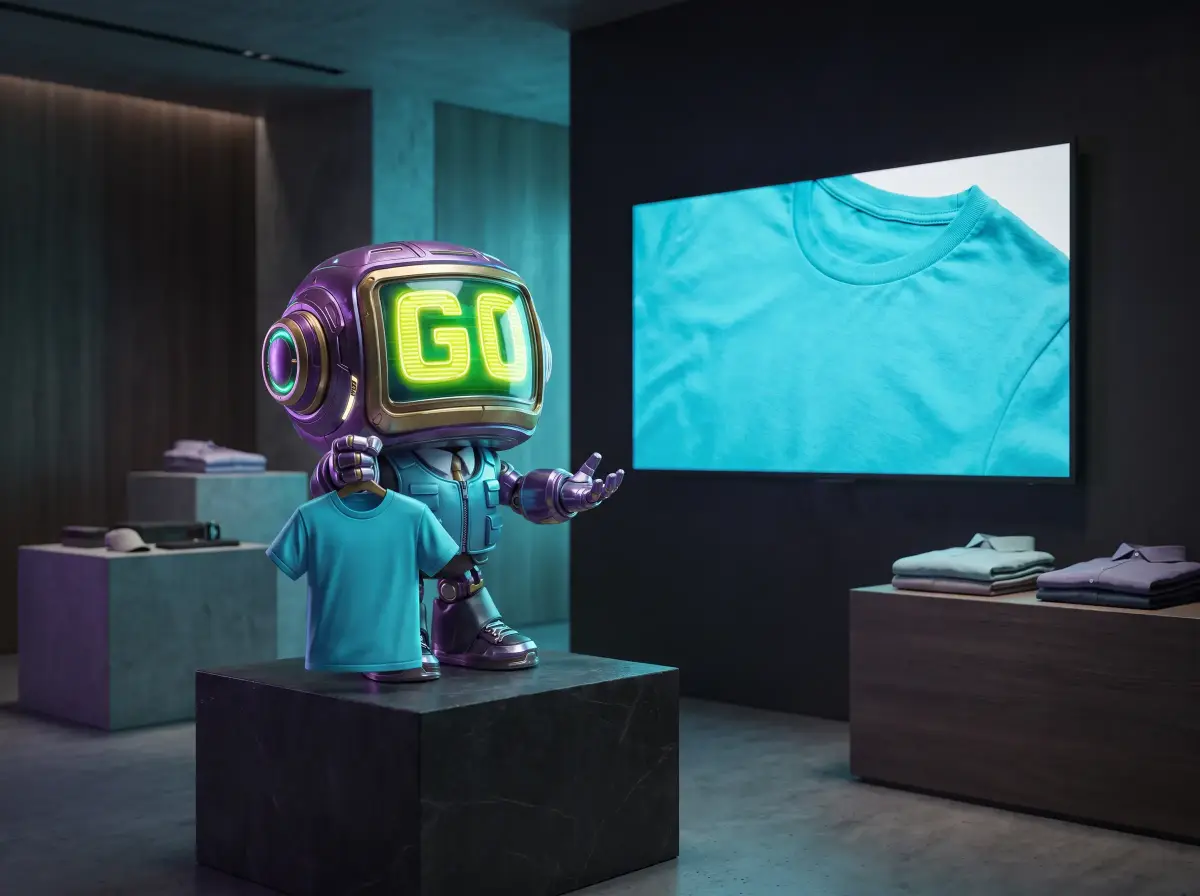
| Showrooms & fairs | Yes | Products presented by holding them up to the camera |
| Screen content testing | Yes | Hold time per asset and per store |
| Visitor counting | Not needed | Visitor numbers, on request, without face recognition |
| Chain benchmarking | Not needed | Every report compared across stores |
| Placement testing | Not needed | Before-and-after interest per product and zone |
| Launches & campaigns | Optional | Engagement with new products and during campaign windows |
| Range reviews | Not needed | An engagement signal per product and colour, next to your sales data |
Questions about use cases
Does GoTrack count people?
On request, yes. GoTrack's standard reports are about products: what shoppers pick up, hold and put back. For stores that also need visitor numbers, GoTrack can count visitors with the same cameras, anonymously and without face recognition; it is set up per project.
Does GoTrack work for chains with many branches?
Yes. Several stores and brands are managed from one panel, reports are split per store, and every store device's health is monitored remotely.
Do we need screens to use GoTrack?
No. GoTrack's product analytics works with cameras alone. Screens are optional: add them when you want the shelf to react to the product in hand.
Can GoTrack do lift and learn without sensors?
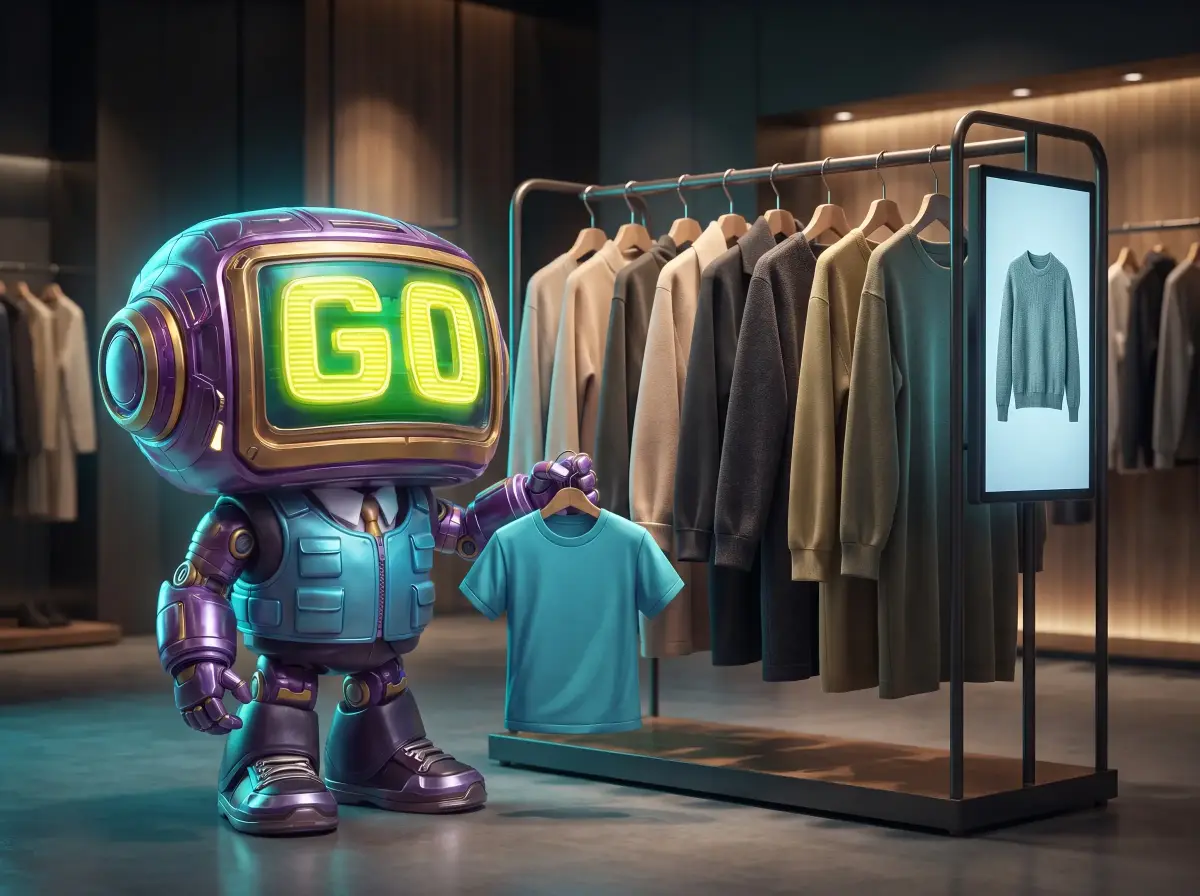
Yes. When a shopper picks up a product, the screen beside it shows that product's content. GoTrack uses the store's cameras, so there are no sensors, tags or pads on the products, and no touchscreen is needed.
Which one fits your stores?
Tell us what you want to measure or show, and we will suggest where to start.
or write to info@gotonom.com