- Home
- Computer vision in retail
Computer vision in retail: what cameras can and cannot measure in a store
Computer vision turns camera images into events a store can count. It covers very different systems, from door counters to checkout-free stores. What each one measures, where its camera has to be, and what still makes it hard on a real shop floor.
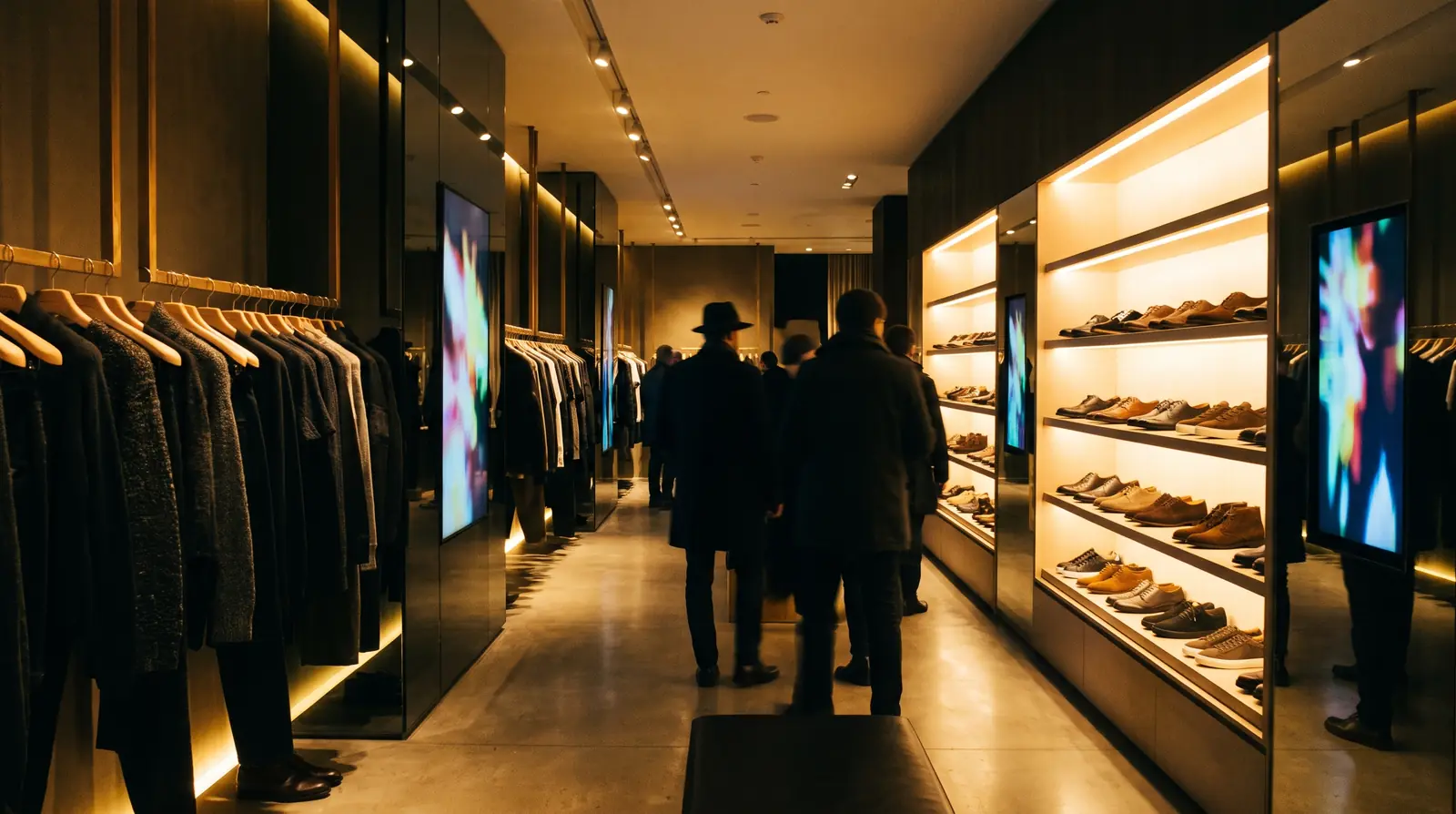
Definition
Computer vision in retail is software that turns camera images into structured events: a person entered, a shelf gap appeared, a product was picked up. The store gets counts and timings instead of footage. What a system can measure depends less on the software than on what its cameras can see: a camera above the door sees people, a camera facing the shelf sees products, a camera close to the products sees what hands do with them.
Seven uses, side by side
| Use | What it measures | Where the camera goes | Main limit |
|---|---|---|---|
| People counting | Entries, exits, occupancy by hour | Above the entrance | Says nothing about the products |
| Heatmaps and paths | Where people walk and stop | Ceiling, wide view | Standing near a product is not interest in it |
| Shelf monitoring | Gaps, facings, planogram and price-label checks | Facing the shelf, or a handheld or robot pass | Sees the shelf, not what shoppers do |
| Queue detection | Line length and waiting time | Over the tills | Operational only |
| Loss prevention | Suspicious events at exits and self-checkouts | Ceiling, checkouts, exits | False alarms, and strict legal limits |
| Checkout-free stores | Who took what, to bill it | A dense grid of cameras, often with shelf sensors | The store is built around it |
| Product interaction | Pickups, hold time, put-backs and comparisons per product and colour | Close to the products | Each product is taught once; near-identical items are hard |
What still makes it hard in a real store
- Distance. Ceiling security cameras are usually too far from the products to tell one colour or model from another. Product-level questions need cameras placed for the products.
- Hands and bodies in the way. A shopper's arm, a bag or another shopper hides the product for a moment. Good systems decide over several frames rather than one.
- Light and reflections. Glass, glossy packaging and spotlights change how a product looks during the day.
- Near-identical products. Two shades in the same packaging can look the same to a camera. An honest system reports them as a pair rather than guessing; GoTrack does exactly that.
- What is not visible. A camera does not read the size label on a folded garment, and a shirt someone is wearing is not one they picked up: both have to be designed for, not assumed.
- A changing range. New products arrive every season. Adding one should be a few photos in a panel, not a data-science project.
Privacy is a design choice, not a setting
The same camera can feed very different systems. Ask where images are analysed (in the store or in a cloud), whether any face is recognised, what is stored and for how long, and what leaves the store. Systems that analyse images on a device in the store and send only counts are the easiest to explain to shoppers and to a data-protection officer. The privacy checklist lists the ten questions to ask, and edge AI in retail explains why in-store processing matters.
Where GoTrack fits
GoTrack is product-interaction analytics: cameras close to the products record which product and colour is picked up, how long it is held, what it is compared with and whether it goes back, and the screen beside it can show that product while it is in hand. It uses no face recognition, analyses images on a device in the store and keeps no shopper images by default. In our test setup the screen showed the product a median 0.35 s after recognition (method). It is not a people counter, a shelf-gap auditor or a security system; the comparison with shelf recognition and with people counting show the line. More on measuring the shop floor in all our guides.
Questions
How is GoTrack different from people counters and heatmaps?
People counters count who comes in, heatmaps show where people walk, and shelf recognition checks what is on the shelf. GoTrack measures what shoppers do with the products themselves: which product and colour is picked up, how long it is held, and which are put back or compared. Visitor counting can be added on request.
Which cameras does GoTrack use? Do I need an AI camera?
No special AI camera is needed: the AI runs in GoTrack's software on the store device. Standard IP cameras (RTSP, ONVIF) or USB webcams with good enough image quality do the job; we can supply them if you prefer. What matters is placement: to see the products clearly and correctly, a camera sits at the right distance from them, not too close and not too far, and we choose the spot together during setup. Ceiling security cameras are usually too far from the products to see what is in a shopper's hand.
Can GoTrack tell the colours of the same model apart?
Yes. Reports are per product and colour. When two variants are so alike that a camera cannot separate them, GoTrack shows them as a pair instead of guessing between them.
Does GoTrack mistake clothes a shopper is wearing for products?
It is built not to: the screen reacts to products picked up or held up, not to what people wear. In our test on 30 September 2026, all 30 sightings of clothes being worn stayed off the screen.
Does GoTrack use face recognition?
No. There is no face recognition, no face template, no biometric matching, and no shopper is recognised across visits.
See what cameras close to your products would measure.
Tell us what you sell; we will show you the reports on your kind of products.
or write to info@gotonom.com